Process Optimization in Business: The Practical Guide
Learn how to systematically optimize business processes – from analysis to implementation. With quick wins, ROI calculator, and concrete methods.

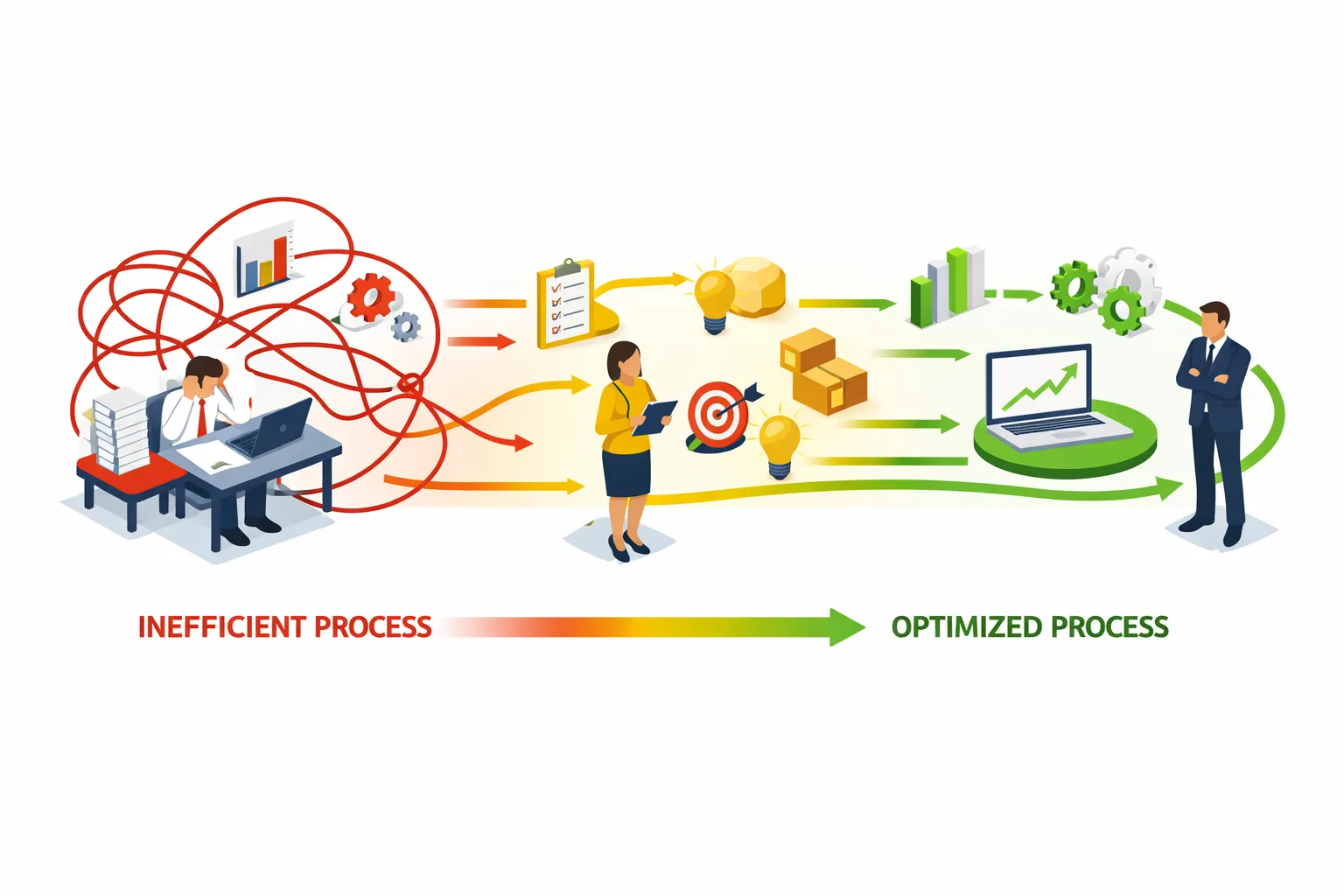
Process Optimization in Business: The Practical Guide
Process optimization sounds like management theory. But done right, it's the fastest way to more efficiency, lower costs, and happier employees. This guide shows how it works in practice.
Table of Contents
- Process Optimization vs. Process Automation
- The 4 Phases of Process Optimization
- Why Process Consulting Alone Isn't Enough
- Identifying Processes That Burn Money
- Quick Wins: Processes You Can Improve Immediately
- From Analysis to Implementation
- Tools for Process Mapping and Optimization
- ROI Calculator: What Does Process Optimization Really Deliver?
Process Optimization vs. Process Automation – The Difference
Before we start: These two terms are often confused but mean different things.
Process Optimization
Definition: Improving an existing process – making it faster, error-free, more cost-effective.
Example:
- Before: Approval goes through 5 people, takes 2 weeks
- After: Approval goes through 2 people, takes 2 days
- Method: Process analyzed, unnecessary steps eliminated
Process Automation
Definition: Replacing manual activities with software.
Example:
- Before: Employee manually types invoice data into system
- After: Software reads invoice automatically
- Method: Technical solution implemented
The Right Order
First optimize, then automate.
Automating a bad process just makes it faster at being bad. The right order:
- Understand: What's actually happening?
- Optimize: What's really necessary?
- Automate: What can software take over?
The 4 Phases of Process Optimization
Phase 1: Process Mapping (Current State)
Goal: Understand what really happens – not what should happen.
Methods:
A) Process Mining Software analyzes log data from existing systems and reconstructs the actual process flow.
- Advantages: Objective, data-based, reveals deviations
- Disadvantages: Needs digital systems with logs
B) Workshops with Stakeholders Everyone involved in the process documents the flow together.
- Advantages: Includes all perspectives, practical knowledge
- Disadvantages: Subjective, time-consuming
C) Shadowing Process expert accompanies employees and documents every step.
- Advantages: Realistic, reveals implicit knowledge
- Disadvantages: Time-intensive, potentially distorting
Result: A process map showing:
- All steps and participants
- Handoffs between departments
- Decision points
- Wait times and idle times
Phase 2: Analysis (Identifying Weaknesses)
The 7 Wastes (Lean)
| Waste | Office Example |
|---|---|
| Overproduction | Reports nobody reads |
| Waiting | Document sits for days awaiting approval |
| Transport | Data copied multiple times |
| Over-processing | Unnecessarily detailed analyses |
| Inventory | Overflowing email inboxes |
| Motion | Searching for information |
| Defects | Rework due to wrong data |
Analysis Questions:
-
Why does this step exist?
- "We've always done it this way" is not a good answer
-
Who really needs to be involved?
- Every handoff = risk of errors and delays
-
Where do things/information wait?
- Idle time is wasted time
-
What's being done multiple times?
- Eliminate redundancies
-
Where do most errors occur?
- Errors = hidden costs
Phase 3: Optimization (Defining Target State)
Optimization Principles:
1. Eliminate What can be removed entirely?
- Unnecessary approval loops
- Reports without recipients
- Copies and duplicate work
2. Simplify What can be made simpler?
- Complex forms → fewer fields
- 10-step process → 4 steps
- Multiple systems → one system
3. Standardize What should always run the same way?
- Uniform templates
- Clear checklists
- Defined responsibilities
4. Parallelize What can happen simultaneously instead of sequentially?
- Independent checks in parallel
- Information to everyone at once
5. Automate What can software take over? (After the other steps!)
- Data entry
- Reminders
- Routine decisions
Phase 4: Implementation and Monitoring
Implementation Strategies:
A) Big Bang New process completely replaces old on a set date.
- Risk: High
- Suitable for: Small, non-critical processes
B) Piloting New process tested with one team/area.
- Risk: Medium
- Suitable for: Most cases
C) Parallel Operation Old and new process run simultaneously.
- Risk: Low, but high effort
- Suitable for: Critical processes
Monitoring:
After go-live you must measure:
- Throughput time
- Error rate
- Cost per run
- Employee satisfaction
Why Process Consulting Alone Isn't Enough
An uncomfortable chapter – but important.
The Typical Consulting Project
Months 1-3:
- Interviews with 30 employees
- Processes documented in BPMN
- 150-page process manual created
- Weaknesses identified
- Optimization potentials calculated
Result: A very thorough analysis. Investment: €80,000.
Months 4-12:
- Consultants gone
- Process manual in the drawer
- "Now we just need to implement it"
- Nobody has time
- Everything stays the same
Actual Result: Zero improvement. ROI: negative.
The Fundamental Problem
Process optimization is not an analysis discipline. It's a change discipline.
It's not about finding problems – employees usually know those themselves. It's about:
- Implementing solutions
- Bringing people along
- Adapting systems
- Ensuring sustainability
What Actually Works
1. Analysis and Implementation from One Source The one who analyzes also implements. This creates accountability.
2. Quick Wins Instead of 6 months analysis: First process improved in 4 weeks.
3. Involve Employees The best optimization ideas come from those who experience the process daily.
4. Continuous Improvement Not a one-time project, but ongoing optimization.
Identifying Processes That Burn Money
Where do you start? Here are the usual suspects.
The Process Audit: 10 Questions
Answer these questions for your most important processes:
| Question | Answer | Score |
|---|---|---|
| How often does the process run? | Daily | 3 |
| Weekly | 2 | |
| Monthly | 1 | |
| How long is one run? | >1 day | 3 |
| 2-8 hours | 2 | |
| <2 hours | 1 | |
| How many people involved? | >5 | 3 |
| 3-5 | 2 | |
| 1-2 | 1 | |
| What's the error rate? | >10% | 3 |
| 5-10% | 2 | |
| <5% | 1 | |
| Are there complaints from customers/employees? | Often | 3 |
| Occasionally | 2 | |
| Rarely | 1 |
Evaluation:
- 13-15 points: Optimize immediately
- 9-12 points: High priority
- 5-8 points: Medium priority
- <5 points: Low priority
Typical Money Burners
1. Approval and Authorization Processes
- Symptoms: Long idle times, many escalations
- Cause: Too many levels, unclear responsibilities
- Potential: 50-80% time savings
2. New Employee Onboarding
- Symptoms: New employees wait days for access
- Cause: No coordinated process control
- Potential: Time-to-productivity -60%
3. Quote Generation
- Symptoms: Customers wait too long, errors in quotes
- Cause: Manual assembly, missing standards
- Potential: Quote time -70%, error rate -90%
4. Invoicing
- Symptoms: Delayed invoices, unclear payment receipts
- Cause: Manual process, no real-time data
- Potential: DSO (Days Sales Outstanding) -30%
5. Complaint Handling
- Symptoms: Unhappy customers, no tracking
- Cause: No structured capture and processing
- Potential: Processing time -50%, customer satisfaction +30%
Quick Wins: Processes You Can Improve Immediately
Some improvements don't need big projects. Here are quick wins you can implement this week:
Quick Win 1: Create Email Templates
Problem: Employees write the same emails over and over.
Solution:
- Identify top 10 most common emails
- Create templates
- Save in email program
Time saved: 5-15 minutes per email Implementation: 2-4 hours
Quick Win 2: Introduce Checklists
Problem: Important steps get forgotten.
Solution:
- Create checklists for recurring tasks
- Digital (Notion, Asana) or paper
- Improve after each use
Error reduction: 30-50% Implementation: 1-2 hours per process
Quick Win 3: Define Meeting Rules
Problem: Meetings without results, too many participants.
Solution:
- Agenda required
- Maximum number of participants
- Documented action items
- Standard duration: 25 or 50 minutes
Time saved: 20-30% of meeting time Implementation: Immediately
Quick Win 4: Raise Approval Limits
Problem: Too many approvals for small decisions.
Solution:
- Check: Which approvals are really necessary?
- Raise limits for independent decisions
- Trust over control
Throughput time reduction: 30-70% Implementation: Management decision
Quick Win 5: Capture Information Once
Problem: Same data entered multiple times.
Solution:
- Identify: Where is data entered twice?
- Define source
- Connect other systems or eliminate copies
Time saved: 10-30 minutes per transaction Implementation: Variable
From Analysis to Implementation: The Forgotten Step
Most process optimizations fail not in analysis, but in implementation.
The Implementation Gap
What consultants deliver:
- Process maps
- Weakness analysis
- Recommendations
- Roadmap
What's missing:
- Who implements?
- How are systems adapted?
- How are employees trained?
- Who monitors success?
The Pragmatic Approach
Weeks 1-2: Focused Analysis
- Choose ONE process
- Document current state
- Identify specific weaknesses
- Define quick wins
Weeks 3-4: Quick Implementation
- Define target process
- Implement quick wins
- First improvements live
- Collect feedback
Weeks 5-6: Stabilization
- Further optimizations
- Create documentation
- Conduct training
- Establish KPIs
After: Next Process
- Apply learnings
- Increase speed
- Build momentum
Success Factors for Implementation
1. Dedicated Process Owner One person responsible for the process – not "the team."
2. Clear Decision Authority The owner must be able to enforce changes.
3. Time Budget Optimization takes time. Nobody can do it "on the side."
4. Management Support If leadership isn't behind it, nothing happens.
5. Quick Visibility First successes must be visible quickly to maintain momentum.
Tools for Process Mapping and Optimization
For Process Documentation
| Tool | Strength | Suitable for | Price |
|---|---|---|---|
| Miro | Visual, collaborative | Workshops, first drafts | Free to €50/month |
| Lucidchart | BPMN-compliant, professional | Formal documentation | €8-15/month |
| draw.io | Free, Google integration | Budget-conscious teams | Free |
| Signavio | Enterprise process management | Large organizations | On request |
For Workflow Management
| Tool | Strength | Suitable for | Price |
|---|---|---|---|
| Asana | Tasks and projects | Teams up to 50 | Free to €25/month |
| Monday.com | Visual workflows | Non-technical teams | €10-20/month |
| Notion | Flexible, all-in-one | Documentation + workflows | Free to €10/month |
| Jira | Complex workflows | Tech teams, large projects | €7.50/month |
For Automation
| Tool | Strength | Suitable for | Price |
|---|---|---|---|
| n8n | Open source, flexible | Technical teams | Free (self-hosted) |
| Make | Visual, powerful | Marketing, operations | €10-30/month |
| Zapier | Simple, many apps | Beginners | €20-50/month |
For Process Mining
| Tool | Strength | Suitable for | Price |
|---|---|---|---|
| Celonis | Market leader | Enterprise | On request (expensive) |
| ProcessGold | Mid-market friendly | Mid-market | On request |
| Apromore | Open source | Universities, small teams | Free |
ROI Calculator: What Does Process Optimization Really Deliver?
The ROI Formula
ROI = (Annual Savings - Project Costs) / Project Costs × 100
Calculating Savings
1. Monetizing Time Savings
Time Savings = (Time before - Time after) × Frequency × Hourly Rate
Example Approval Process:
- Before: 4 hours
- After: 1 hour
- Frequency: 50/month
- Hourly rate: €50
(4h - 1h) × 50 × €50 × 12 months = €90,000/year
2. Reducing Error Costs
Error Costs = Error Rate × Frequency × Cost per Error
Example Quote Process:
- Error rate before: 8%
- Error rate after: 1%
- Quotes: 200/month
- Cost per error: €200
(8% - 1%) × 200 × €200 × 12 months = €33,600/year
3. Throughput Time Effects
Faster processes mean:
- Faster delivery = higher customer satisfaction
- Faster invoicing = better cash flow
- Faster response = more orders won
These effects are harder to quantify but often the most valuable.
Typical ROI Values
| Process Type | Typical Investment | Annual Savings | Year 1 ROI |
|---|---|---|---|
| Approval processes | €5,000-15,000 | €30,000-80,000 | 200-500% |
| Onboarding | €10,000-25,000 | €40,000-100,000 | 200-400% |
| Quote generation | €15,000-40,000 | €50,000-150,000 | 150-350% |
| Invoicing | €8,000-20,000 | €25,000-60,000 | 150-300% |
| Complaint handling | €10,000-30,000 | €30,000-80,000 | 150-250% |
Break-Even Calculation
Break-Even (months) = Project Costs / (Annual Savings / 12)
Example:
- Project costs: €20,000
- Annual savings: €60,000
- Break-even: €20,000 / €5,000 = 4 months
Conclusion
Process optimization is not an academic exercise – it's the most practical path to more efficiency. But only if it's also implemented.
Key Takeaways:
-
First optimize, then automate – automating a bad process makes it faster at being bad
-
Quick wins first – fast successes create momentum
-
Analysis alone isn't enough – the value is in implementation
-
Involve employees – the best ideas come from those who experience the process
-
Improve continuously – process optimization isn't a project, it's a mindset
The most successful companies don't optimize once – they optimize constantly.
Want to optimize your processes? Talk to us – we don't just analyze, we implement.
